
Maharashtra Government ID Card online? Many people in Maharashtra search for a government identity card when they need to access government schemes, apply for benefits, verify their identity or download an important document.
However, Maharashtra does not have just one universal identity card for every government service. Different departments issue different identity documents according to their purpose. These may include Aadhaar, Voter ID, ration cards, driving licences and other department-specific identity credentials.
People searching for a Maharashtra ID card may also be looking for the Maha ID associated with the MahaSarathi platform. Before applying, it is important to understand which identity document you actually need.
If you are specifically looking for the Maha ID process, start with our MahaSarathi Maha ID Registration 2026 guide.
What Is a Maharashtra Government ID Card?
A Maharashtra Government ID Card generally refers to an identity document used to establish a person’s identity or access a particular government service in Maharashtra.
The exact card depends on the department and the purpose for which it is required. For example, an Aadhaar card is a national identity document, while a driving licence is issued for driving-related purposes.
Similarly, a department-specific digital ID may be used within a particular government platform or service.
Before applying, check the name of the card, the issuing authority and the purpose for which it can be used. This helps prevent confusion between different identity documents.
Types of Government ID Cards Used in Maharashtra
The following table explains some commonly used identity documents and their general purposes.
| ID card or document | Main purpose |
|---|---|
| Aadhaar Card | Identity verification through the Aadhaar system |
| Voter ID (EPIC) | Voter identification and electoral services |
| Ration Card | Household and eligible public distribution services |
| Driving Licence | Authorisation to drive and related identification |
| PAN Card | Tax-related identification and financial transactions |
| Maha ID or department-specific ID | Identity-related services within the applicable government platform |
| Student ID | Identification within an educational institution |
These documents are not interchangeable. For example, a student ID cannot automatically replace Aadhaar or Voter ID wherever those documents are specifically required.
What Is Maha ID Card in Maharashtra?
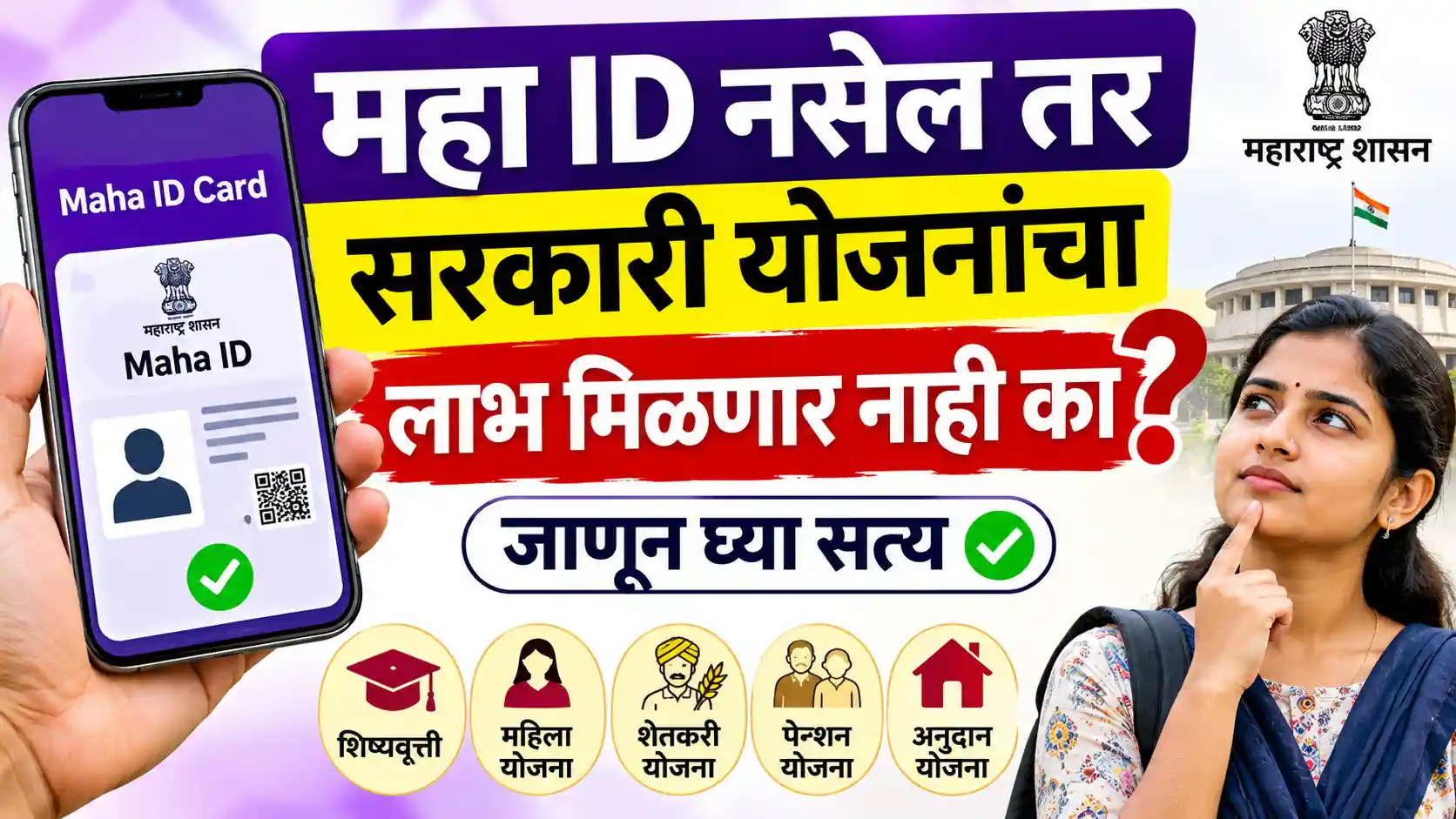
Maha ID is a term people use when searching for Maharashtra’s digital identity services. Users may also search for MahaSarathi ID, Maha ID Card or Maharashtra Maha Card.
The precise purpose of the credential depends on the official platform and the service involved. You should not assume that every card described online as a Maha ID is the same as Aadhaar, a ration card or a Voter ID.
If you are looking for a MahaSarathi-related ID, first check the registration requirements and instructions on the relevant official platform.
Some people may already have an account but still need to complete identity verification or check whether their card is available for download.
Who Can Apply for a Maharashtra Government ID Card?
Eligibility depends on the particular identity document you want.
For example:
- Aadhaar: Follow the applicable UIDAI enrolment and verification requirements.
- Voter ID: Follow the Election Commission’s eligibility and voter registration process.
- Ration Card: Eligibility and required documents depend on the applicable state rules and household circumstances.
- Driving Licence: Applicants must meet the applicable age, learner’s licence and other legal requirements.
- Maha ID or department-specific ID: Follow the registration and eligibility instructions provided by the relevant government platform.
There is no single eligibility rule that applies to all Maharashtra government identity cards.
Before starting an application, confirm whether the service is intended for Maharashtra residents, a particular category of applicants or eligible beneficiaries of a specific scheme.
Documents Required for Maharashtra Government ID Card
The required documents vary depending on the ID card. The following are examples of documents that may be requested, not a universal checklist.
| Document | When it may be required |
|---|---|
| Aadhaar or another accepted identity document | Identity verification, where permitted |
| Proof of address | Residential verification, where applicable |
| Date of birth proof | Age or date of birth verification |
| Photograph | When required by the application process |
| Mobile number | OTP verification and account communication |
| Application or registration reference | Checking an existing application |
| Additional supporting documents | Depending on the specific ID or service |
Not every applicant needs to submit all these documents. Some services may verify information electronically, while others may require an appointment or physical document verification.
Important: Do not upload Aadhaar, bank details or other sensitive information to an unverified website. Check the official department’s instructions before submitting documents.
How to Apply for a Maharashtra Government ID Card Online
If the relevant service supports online applications, you can generally follow these steps.
Step 1: Identify the Correct ID Card
First, determine whether you need Aadhaar, Voter ID, a ration card, a driving licence or a department-specific Maha ID.
Choosing the correct service is important because each document has a different application process.
Step 2: Open the Official Service Website
Visit the website of the department responsible for issuing that particular ID. Check the website address carefully before entering any personal information.
Step 3: Check Eligibility and Documents
Read the eligibility criteria, document requirements, application fees, if any, and verification instructions.
Step 4: Complete Registration or Application
Enter the requested information accurately. Complete any OTP, identity verification or document submission steps required by the official service.
Step 5: Submit and Save the Reference Number
After reviewing your information, submit the application if all details are correct. Save the application number or acknowledgement if one is provided.
Step 6: Track Your Application
Use the official tracking facility, if available, to check whether the application is pending, approved or requires additional information.
Remember that online submission does not necessarily mean the ID card will be issued immediately.
How to Download a Maharashtra Government ID Card
The download process depends on the issuing authority and the type of ID.
- Open the official portal or application responsible for issuing your document.
- Sign in using the supported login method.
- Locate the issued documents, profile or download section.
- Complete any required authentication.
- Download the document if the service makes it available.
- Check the name and other details before using the document.
For a MahaSarathi-related card, check whether the relevant dashboard provides a download option.
If you are specifically trying to download your Maha ID, read our Maha ID Card Download 2026 guide, which covers the download-related search intent.
If the download option is missing, verify your registration status and follow the instructions provided by the issuing authority. Avoid submitting duplicate applications without checking your existing application first.
What to Do If Your Government ID Card Is Not Downloading
Sometimes users face technical problems while trying to access an identity document. Here are a few steps that may help.
OTP not received: Check the registered mobile number, network connection and the availability of the official resend option.
Incorrect personal details: Follow the correction process of the issuing authority. Do not assume that every detail can be edited online.
Application pending: Check the application status and look for any request for additional information.
Download option missing: Confirm that the document has been issued and that the portal supports digital downloads.
Website not opening: Try again later or use the department’s official alternative service if one is provided.
Never share an OTP or password with another person claiming to provide a government ID card.
Is a Maharashtra Government ID Card Mandatory for Government Schemes?
There is no single answer for every scheme. The documents required depend on the scheme’s official eligibility conditions and application process.
A particular scheme may ask for Aadhaar, bank account details, income proof, residence proof or another specified document. A department-specific ID may also be required for a particular service.
Having one government ID does not automatically make someone eligible for all government schemes. Always check the current guidelines of the scheme before applying.
Conclusion
A Maharashtra Government ID Card can refer to several different identity documents, depending on the service you want to access. Aadhaar, Voter ID, ration cards, driving licences and department-specific digital IDs all serve different purposes.
If your search is specifically about Maha ID or MahaSarathi, confirm the exact credential and follow the applicable registration, verification and download process. Keeping your details accurate and using the correct official service can help you avoid unnecessary application problems.
FAQs: Maharashtra Government ID Card 2026
It is a general search term for identity documents used for government services in Maharashtra. The exact document may be Aadhaar, Voter ID, a ration card, a driving licence or a department-specific ID.
Identify the required document, open the relevant issuing authority’s official website, check eligibility, submit the required information and complete the verification process.
No. You should not assume that Maha ID and Aadhaar are the same document. They may serve different purposes, depending on the platform and the service involved.
Requirements vary by document. Common examples include identity proof, address proof, date of birth proof, a mobile number and supporting documents, where applicable.
Log in to the official service that issued the document and check the relevant download or issued-documents section. The exact process depends on the type of ID.