

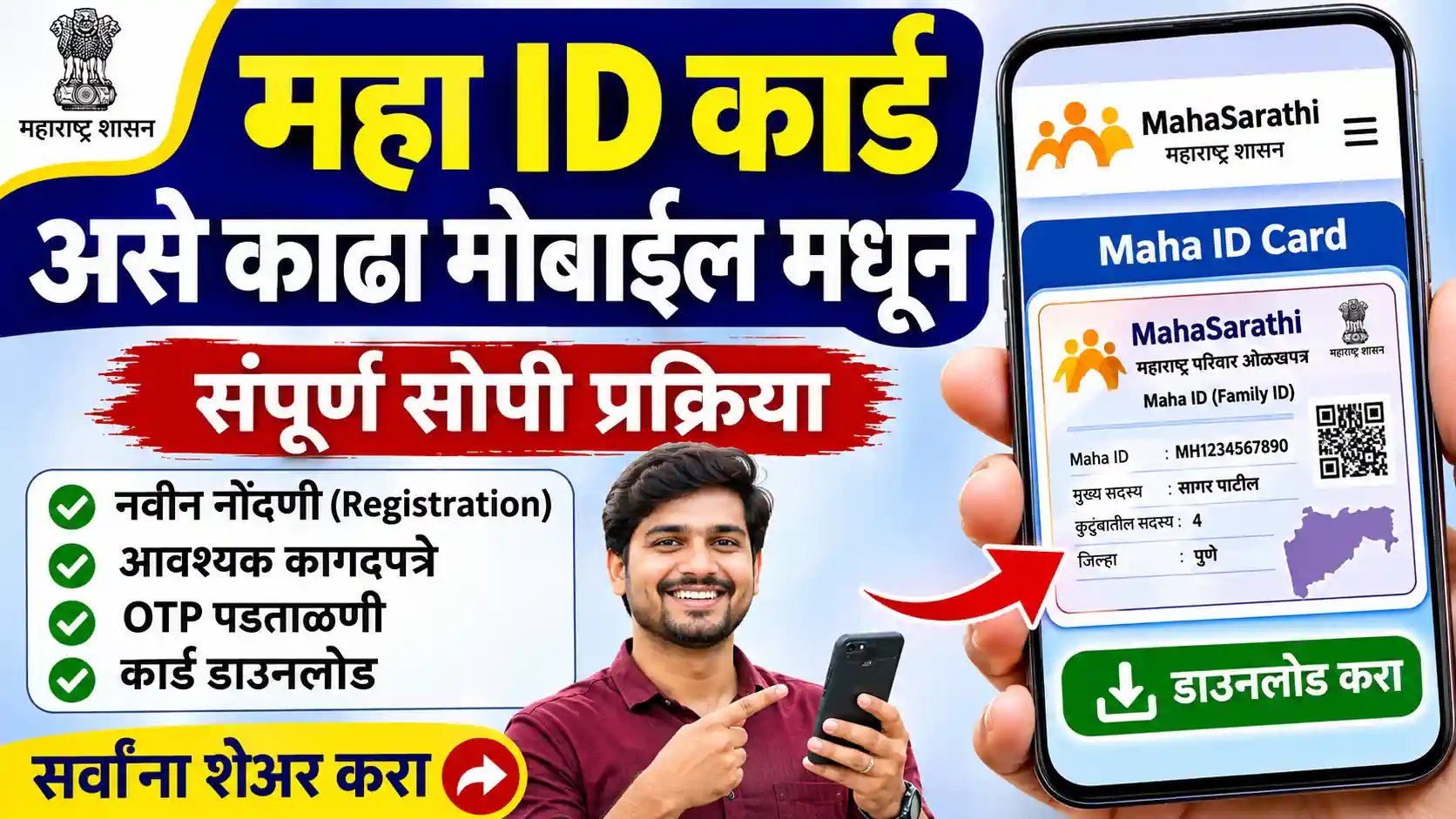
If you have already registered for the MahaSarathi Maha ID and now want to get your card, the download process is fairly simple. The Maha ID Card can be useful for accessing different services and keeping your registration details available when required.
Many applicants complete their registration but are not sure where to find the card after submitting their details. If you are facing the same issue, this guide explains the Maha ID Card download process, what you should keep ready, and what to do if the card is not available immediately.
Important: MahaSarathi is an informational term used for services and processes related to the Maha ID. Always check your application details carefully before downloading or using any card.
Step 1: Open the Relevant Portal
Open the official MahaSarathi portal using the correct website address. Check the website carefully before entering your personal information. Avoid unfamiliar websites that promise instant downloads.
Step 1 For Card Download Go to : https://mahasarathi.maharashtra.gov.in/home/landing

Step 2: Select Aadhar Login Option.
Step 2: Log In to Your Account
Use the login method available to you on the portal. Enter the required credentials and complete any verification step displayed on the screen.
If you are having trouble accessing your account, first check whether your login details are correct.

Step 3 : Get Aadhar Registretd Mobile Otp And Verrify.
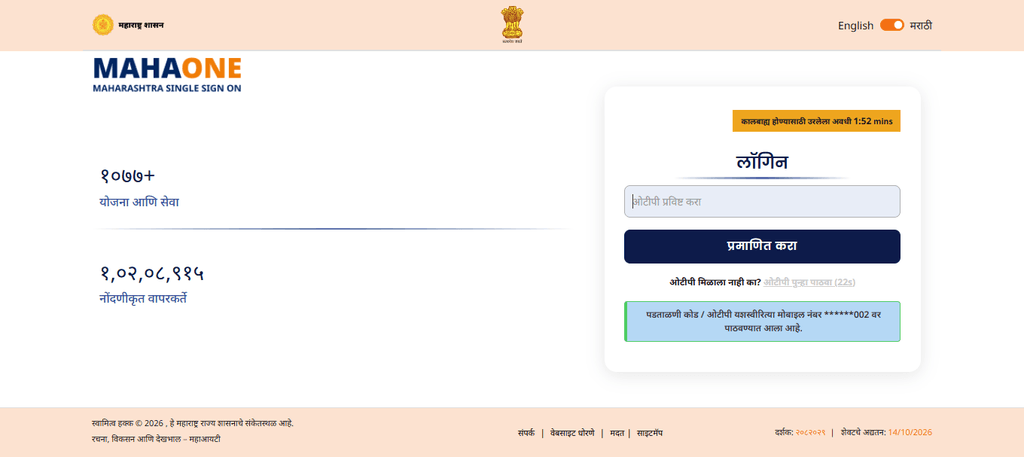
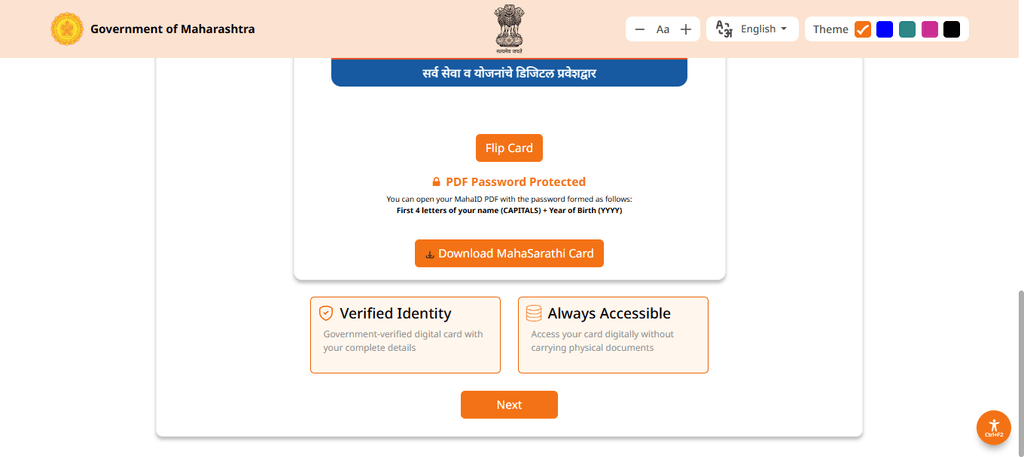
Step 4:Download Mahasarthi Id Card
Step 4: Find the Maha Sarathi Card Option
Check the available options in your profile or Quick Actions section. If your account provides a MahaSarathi Card or View MahaSarathi Card option, open it to see whether your card is available.
Step 5: Download and Save the Card
If a download option is displayed, select it and follow the instructions on the screen. If the card is provided as a PDF, save the file to a folder that you can easily access later.
What Is the Maha ID Card?
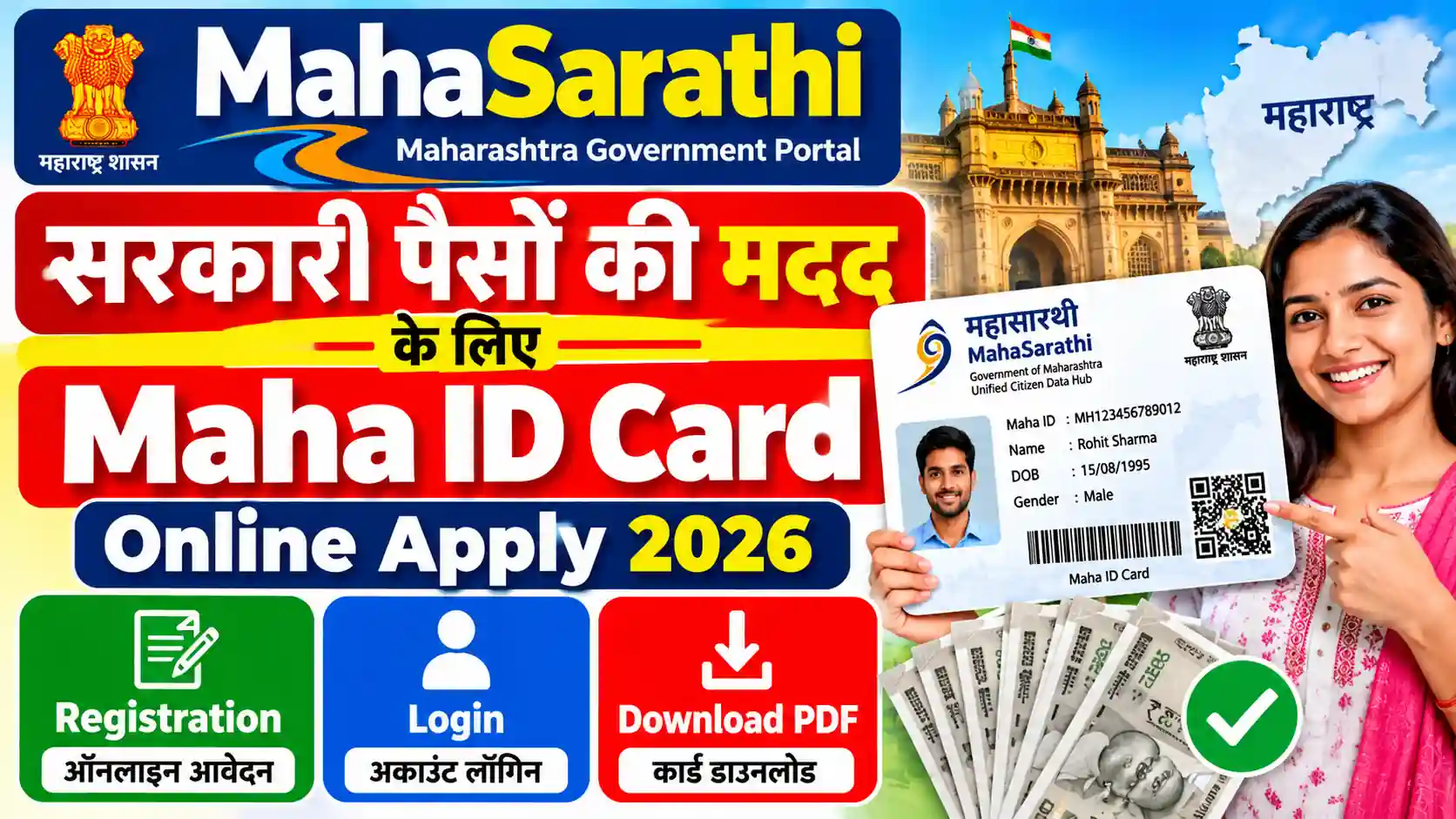
The Maha ID Card is associated with the applicant’s MahaSarathi registration. It can contain important information connected with the user’s registration and identification details.
After completing the required registration and verification steps, an applicant may be able to access or download the available card through the relevant online service.
If you have not created your account yet, you can first understand the registration process here: MahaSarathi Maha ID Registration.
Maha ID Card Download – What You Need
Before trying to download your MahaSarathi card, keep the following details ready:
- Registered mobile number
- Maha ID or application details, if available
- Login information
- Aadhaar or other required identification details
- A stable internet connection
- Mobile phone or computer for downloading the card
Having these details nearby can save time, especially if the system asks you to verify your identity before showing the card.
How to Download Maha ID Card Online
Follow these general steps to check and download your Maha ID Card:
Step 1: Open the MahaSarathi service
Visit the relevant MahaSarathi online service and look for the option related to Maha ID, card download, application details, or your registered account.
Step 2: Log in to your account
Enter the required login information. Depending on the service, you may need your registered mobile number, Maha ID, password, OTP, or another verification detail.
Step 3: Open your profile or application
After successful login, check your dashboard carefully. Look for options such as Maha ID Card, Download Card, My Application, Profile, or a similar option.
Step 4: Check your card details
Before downloading the card, make sure that your name and other personal details are correct. If something appears incorrect, avoid using an incorrect card until the issue is resolved.
Step 5: Download the card
If the download option is available, click the appropriate button. The card may open as a PDF or another downloadable document.
Save the file on your phone or computer so you can access it later when needed.
What If the Maha ID Card Download Option Is Not Showing?
Sometimes the card may not appear immediately after registration. This does not necessarily mean that your application has failed.
There can be several reasons:
- Your registration may still be under processing.
- Required verification may not have been completed.
- Your eKYC may be pending.
- Some application information may need correction.
- The card may not have been generated yet.
- You may be checking with different login details.
If you have completed eKYC, you can also check our guide on MahaSarathi ID Card eKYC to understand the verification process better.
Check Your Maha ID Details Before Downloading
Do not rush to download and use the card without checking the information displayed on it.
Pay particular attention to:
- Applicant name
- Date of birth, if displayed
- Maha ID or registration number
- Photograph, if applicable
- Other identification details
- Application or registration status
If the information does not match your records, it is better to find out the reason before using the card.
Can I Download the Maha ID Card on Mobile?
Yes, if the online service provides a download option, you can generally access it using a smartphone. Open the service in a modern browser, log in with your registered details, and follow the same steps used on a computer.
Once the card is generated, you can save the PDF or document to your phone. It is also a good idea to keep a backup copy in a secure location.
What If I Forgot My MahaSarathi Login Details?
If you cannot remember your login details, look for the available account recovery or login assistance option on the official service.
Do not create multiple accounts simply because you cannot access the first one. Multiple registrations can sometimes create confusion when checking application information.
Make sure the mobile number used during registration is available because verification may require an OTP.
Is eKYC Required for Maha ID Card Download?
The requirement can depend on the particular service and the status of your application. If your account shows that eKYC or verification is pending, complete the required verification before expecting the final card to become available.
It is also important to remember that completing registration and completing verification are not always the same thing.
Common Problems While Downloading Maha ID Card
Applicants may face a few common problems while trying to access their card.
Card not generated: Your application may still be processing.
Login problem: Check your mobile number, password, and other login information carefully.
OTP not received: Wait for a short time and check whether your mobile network is working properly.
Incorrect details: Check your application information and follow the available correction procedure.
Download button not working: Try refreshing the page or opening the service in another updated browser.
PDF not opening: Make sure your phone has a suitable PDF reader and that the file has downloaded completely.
Final Words
Downloading the Maha ID Card is usually straightforward once your registration and required verification steps have been completed. The main thing is to use the same details connected with your application and carefully check the information before saving the card.
If the card is not available yet, do not submit another registration immediately. First check your application status, verification requirements, and account details. In many cases, the card becomes available after the required process is completed.
For more information about MahaSarathi services, you can also read our guide to the MahaSarathi Maha ID Card and understand how the card is used.
Frequently Asked Questions
Log in to the relevant MahaSarathi service using your registered details and look for the Maha ID Card or download option in your account dashboard.
Yes. If the download facility is available online, you can generally access the service through a smartphone browser and save the card to your device.
Your registration or verification may still be pending, or the card may not have been generated yet. Check your application and account status first.
Do not ignore incorrect details. Check the available correction procedure and update the information through the appropriate service if correction is permitted.
eKYC requirements can depend on the service and application status. If your account shows eKYC as pending, complete the required verification before checking the card again.

2 thoughts on “Maha ID Card Download: Get Your MahaSarathi Card”
Comments are closed.