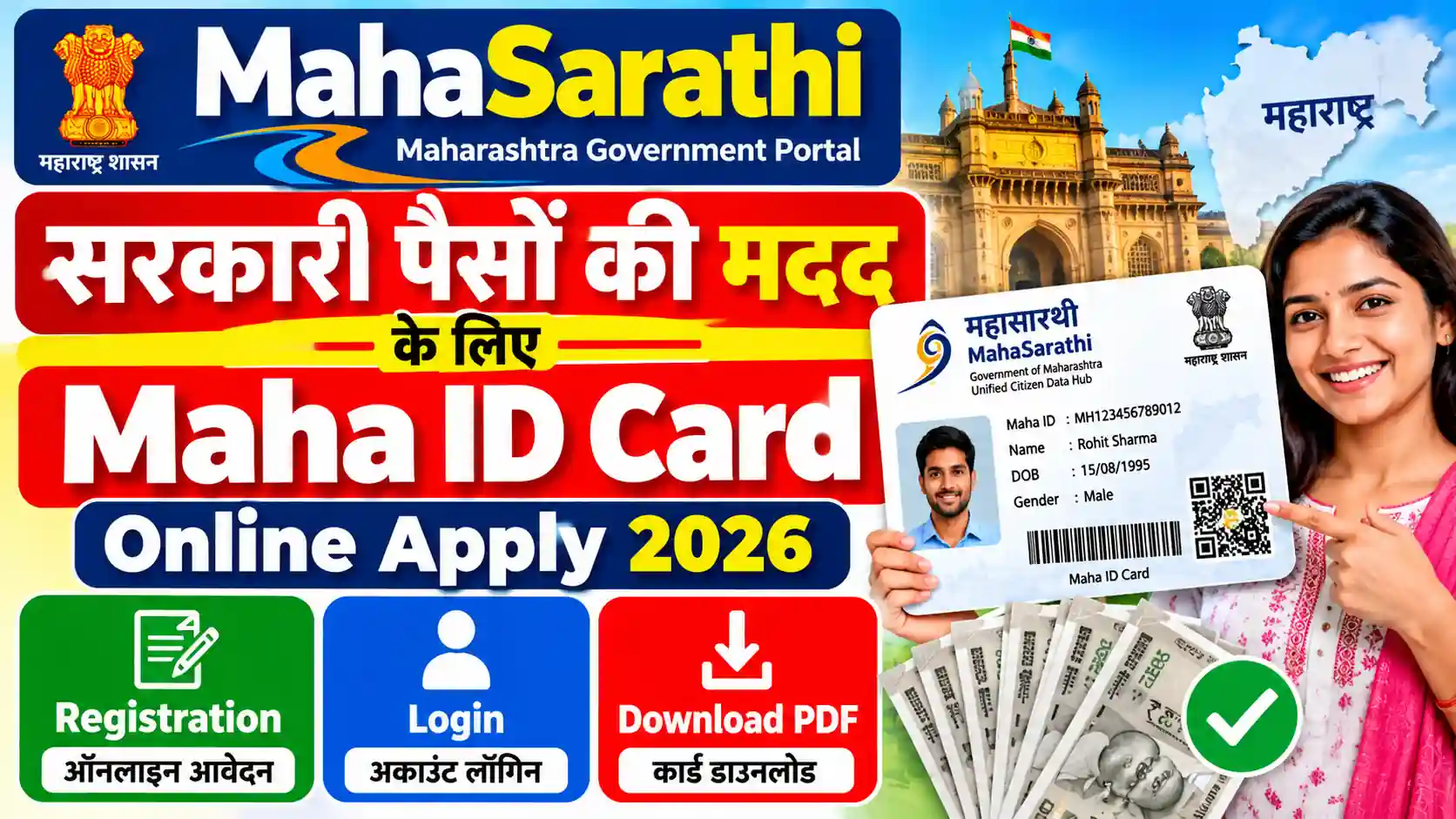
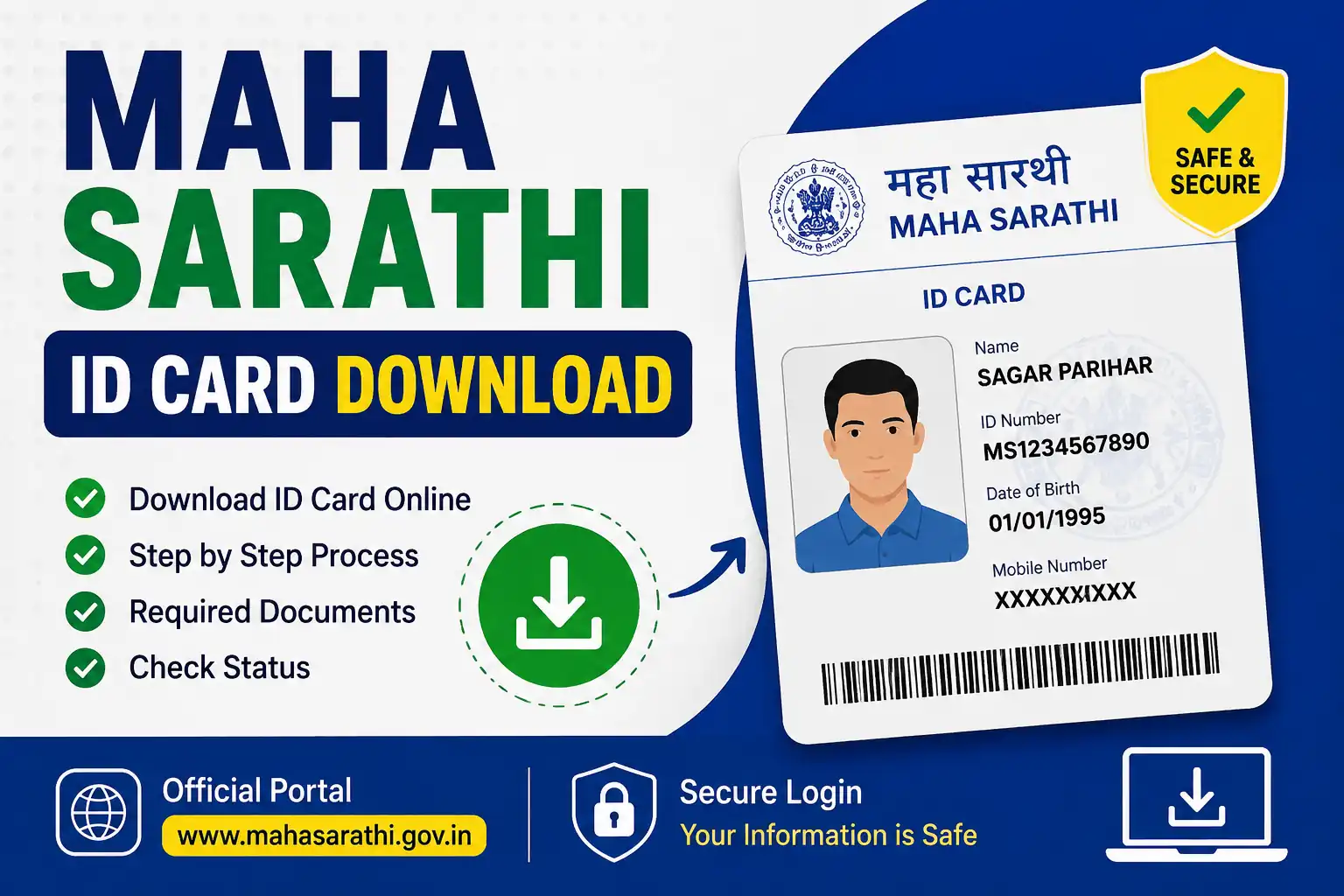
Are you searching for MahaSarathi, Sarathi Maharashtra, Maha ID Card or Maha Card online? Maharashtra residents may come across these terms while looking for information about the state’s digital identity system and government services.
MahaSarathi is associated with Maharashtra’s unified citizen data platform, while Maha ID is the unique identity associated with the system. The platform is intended to help connect citizen information with participating government services and schemes. The Government of India also announced the availability of the Mahasarathi Family ID through DigiLocker in June 2026.
In this guide, you will learn how to access the official MahaSarathi portal, understand the registration and login process, find your card, and resolve common problems.
Important: MahaSarthi.in is an independent informational website, not an official government portal. Always verify the website address before entering personal information.
If you have not created an account yet, first read our MahaSarathi Maha ID Registration Guide to understand the registration process.
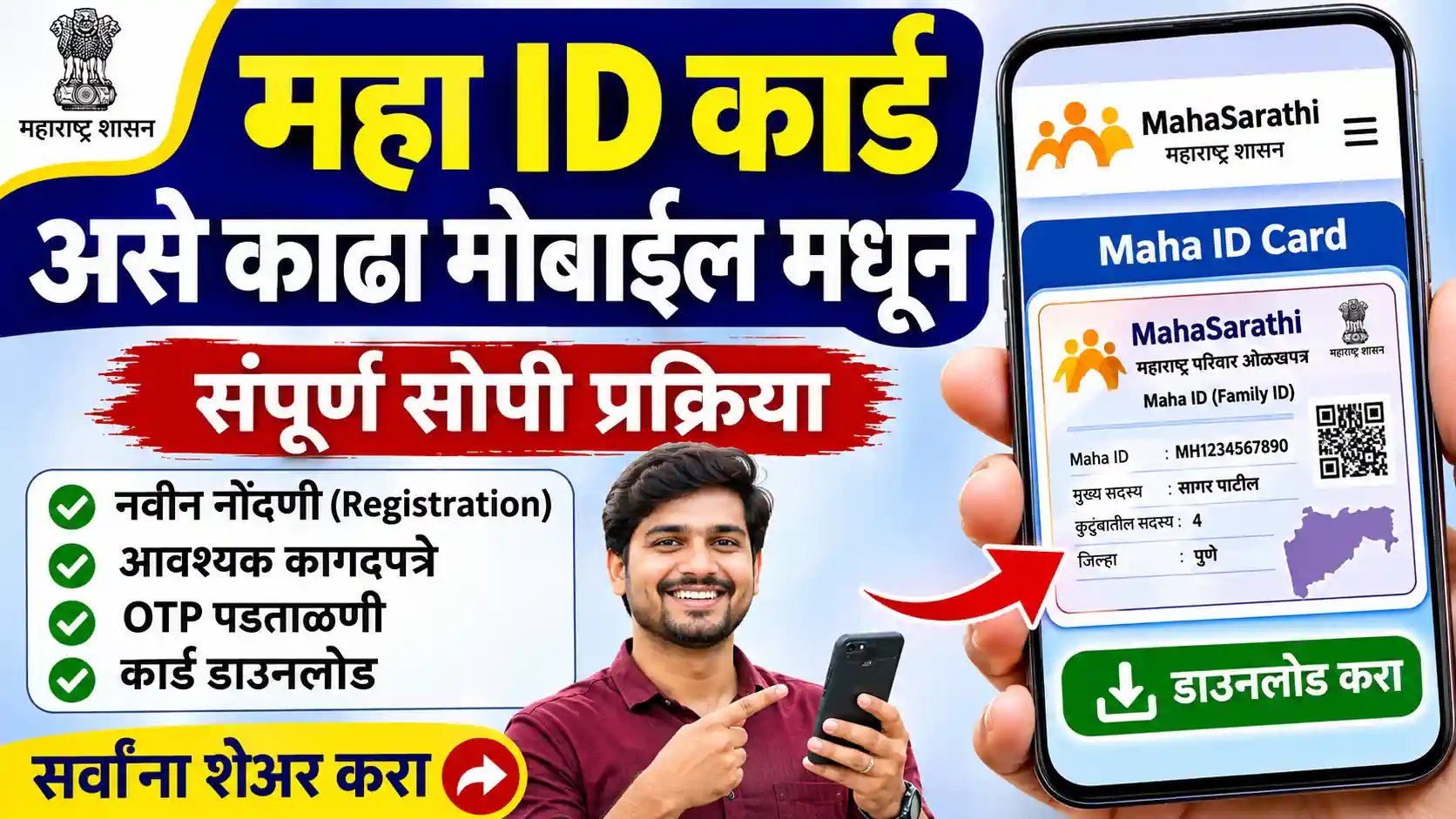
How to Download Maha Sarathi ID Card Online in 2026
Step 1: Open the Relevant Portal
Open the official MahaSarathi portal using the correct website address. Check the website carefully before entering your personal information. Avoid unfamiliar websites that promise instant downloads.
Step 1 For Card Download Go to : https://mahasarathi.maharashtra.gov.in/home/landing

Step 2: Select Aadhar Login Option.
Step 2: Log In to Your Account
Use the login method available to you on the portal. Enter the required credentials and complete any verification step displayed on the screen.
If you are having trouble accessing your account, first check whether your login details are correct.

Step 3 : Get Aadhar Registretd Mobile Otp And Verrify.
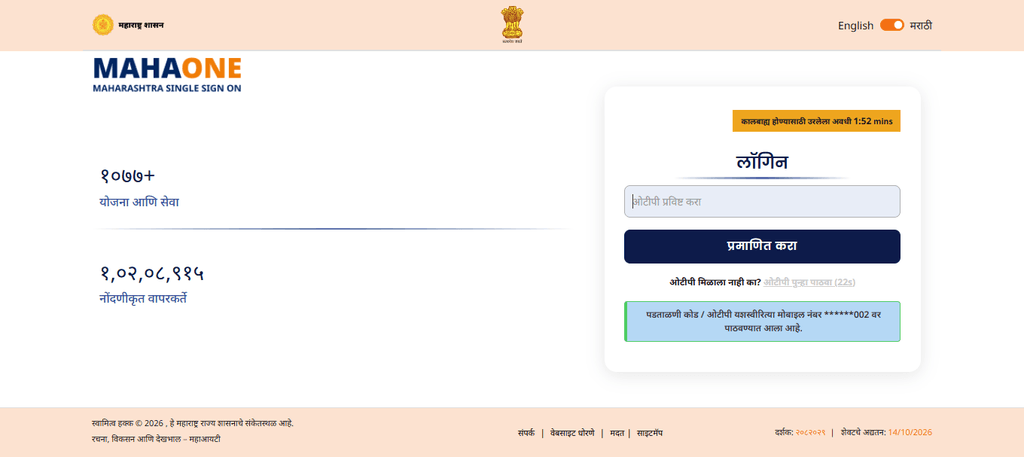
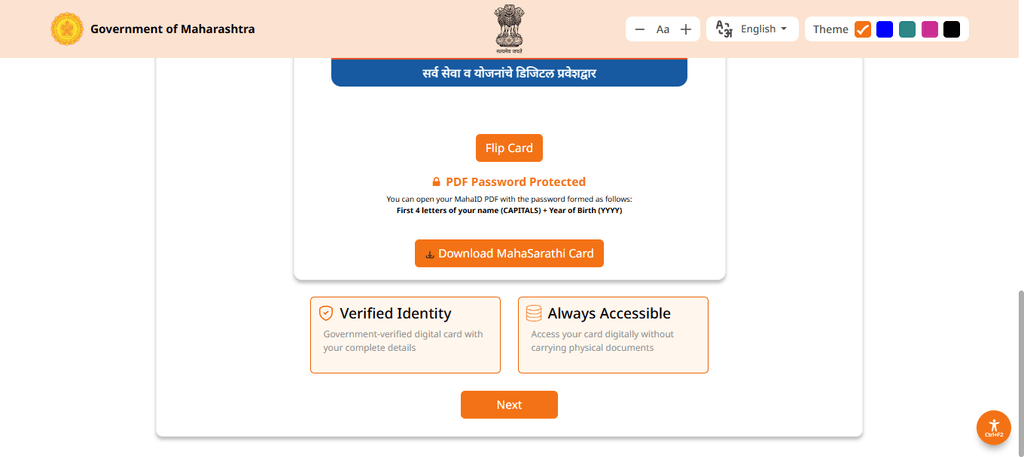
Step 4:Download Mahasarthi Id Card
Step 4: Find the Maha Sarathi Card Option
Check the available options in your profile or Quick Actions section. If your account provides a MahaSarathi Card or View MahaSarathi Card option, open it to see whether your card is available.
Step 5: Download and Save the Card
If a download option is displayed, select it and follow the instructions on the screen. If the card is provided as a PDF, save the file to a folder that you can easily access later.
What Is the Maha Sarathi ID Card?
The Maha Sarathi ID Card is a digital identity card that users search for when looking for information about the MahaSarathi portal. Before downloading a card, make sure you are accessing the correct service and that your registration has been completed successfully.
A digital copy can be convenient when you need to keep your document available on your phone or computer. However, always check the instructions of the relevant authority to understand where and how the card can be used.
What to Do If the Maha Sarathi ID Card Download Option Is Missing?
Sometimes a user can log in successfully but still cannot find the card option. This does not necessarily mean that the application has been rejected.
Here are a few things you can check:
- Check your account: Make sure you are logged in to the correct account.
- Review your profile: Look through the available profile and card-related options.
- Check registration details: Confirm that your registration process has been completed.
- Check verification requirements: If the portal requests additional verification, follow the instructions displayed there.
- Try another browser: If the page is not loading correctly, try an updated browser or another device.
- Check official notices: The portal may change its menu structure or process.
Do not create multiple accounts or submit the same application repeatedly without first checking the relevant instructions.
Maha Sarathi ID Card Download Not Working
If the download button does not work, the page keeps loading or the PDF fails to open, try these troubleshooting steps.
1. Check Your Internet Connection
A weak connection may interrupt the download. Switch to a stable internet connection and try again.
2. Refresh the Page
Return to your account and reload the page. If your session has expired, you may need to log in again.
3. Check Your Device Storage
If your phone or computer has insufficient storage, the file may not save properly. Free up some space and retry the download.
4. Open the File With a PDF Reader
If the card downloads but does not open, try a trusted, updated PDF reader. If the file appears incomplete, download it again from the portal.
5. Avoid Unofficial Download Websites
Do not enter your password, OTP or other sensitive information on third-party websites offering to download the card for you.
Is It Possible to Download the Maha Sarathi ID Card on a Mobile Phone?
You can try accessing the relevant portal through your mobile browser if the service supports mobile access.
For a smoother experience:
- Open the portal in an updated browser.
- Log in using the available authentication method.
- Open your profile and look for the card option.
- Download the file if the option is available.
- Check the Downloads folder on your phone.
If the page does not display properly, try the desktop view in your browser or use a computer.
What If Your Maha Sarathi ID Card Is Not Available After eKYC?
Completing a verification step does not necessarily mean that a card will become immediately available in every account. The result depends on the relevant service and its current process.
Check whether your verification was completed successfully and whether the portal displays any pending action. You can also read our MahaSarathi ID Card eKYC Guide for further information about the verification process.
If the card remains unavailable, follow the official portal’s instructions or contact the appropriate support service.
Important Safety Tips Before Downloading Your ID Card
Keep these points in mind while accessing your card:
- Use the correct official website.
- Never share your OTP or password with another person.
- Do not pay unknown agents who promise guaranteed card downloads.
- Keep the downloaded document in a secure location.
- Avoid sharing screenshots containing personal details publicly.
- Follow the latest instructions displayed by the relevant authority.
Frequently Asked Questions (FAQs)
1. How can I download the Maha Sarathi ID Card online?
Log in to the relevant portal, open your profile and look for the MahaSarathi Card option. If a download facility is available for your account, follow the displayed instructions to save your card.
2. Can I download my Maha Sarathi ID Card on my mobile?
You can access the relevant portal through your mobile browser. If the service supports mobile access and your card is available, follow the on-screen instructions to download it.
3. Why is the Maha Sarathi ID Card download option not showing?
The option may be unavailable because of your account status, incomplete registration, pending requirements or changes to the portal interface. Check your account and follow the official instructions.
4. What should I do if my downloaded ID Card PDF does not open?
Check that the file downloaded completely, ensure your device has enough storage and try an updated PDF reader. If the file is damaged, download it again through the relevant portal.
5. Is the Maha Sarathi ID Card download process free?
Check the relevant official portal for any stated fees or service charges. Avoid paying unofficial agents or websites that promise guaranteed downloads.